
Car Care.
PitStopr connects you with vetted mobile mechanics who come to you—at home, at work, or wherever your car is parked. No shops. No guessing. No wasted time.
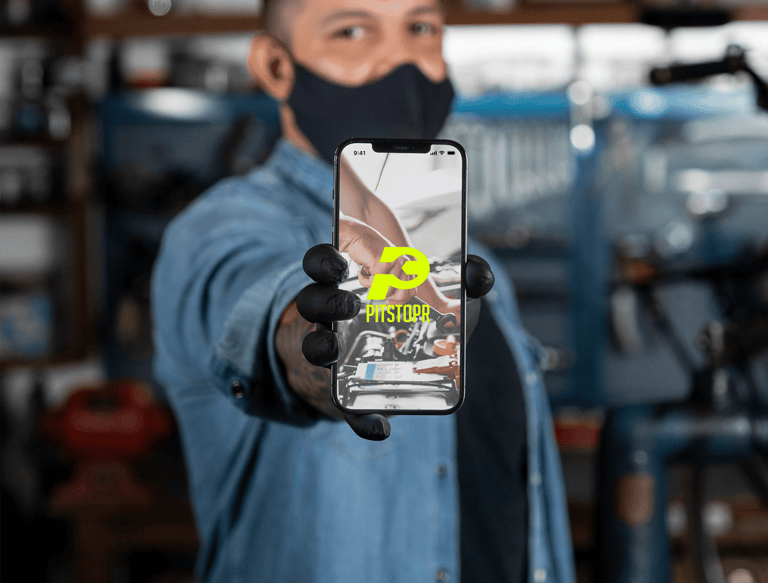
Step 1: Request a Service
Open the PitStopr app and tell us what you need. You can select a specific service or use our AI-powered diagnostic assistant to help identify possible issues based on your vehicle and symptoms.
The AI tool provides helpful context—not a professional diagnosis—and helps technicians better understand your request before they arrive.
You’ll choose a time window and review details before anything is confirmed.
Anywhere.


Step 2: Get Matched with a Technician
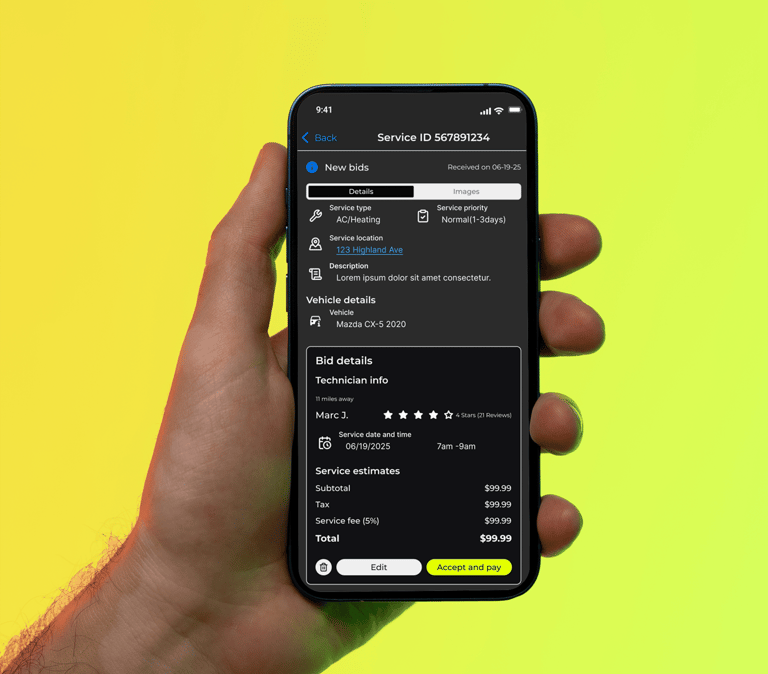
Once your service request is submitted, it’s sent to the PitStopr marketplace where qualified, independent technicians can review the details and submit bids for the job.
You’ll receive bids that include:
Pricing and service details
Technician profiles and experience
Availability and estimated timing
You choose the bid that works best for you. No pressure, no obligation.
No work begins until you accept a bid.


Step 3: Service at Your Location
Your technician arrives at your chosen location with the tools needed to complete the job.
You’ll receive:
Real-time status updates
Clear communication
Professional service, on your schedule


Step 4: Approve, Pay, and Track
Once the service is complete:
Review the work
Approve the final details
Pay securely through the app
Payments are handled through the platform for clarity and protection on both sides.
Car Care. Anywhere.
Your pit crew, delivered.
Contact
Newsletter
© 2025. All rights reserved.


Company
Legal